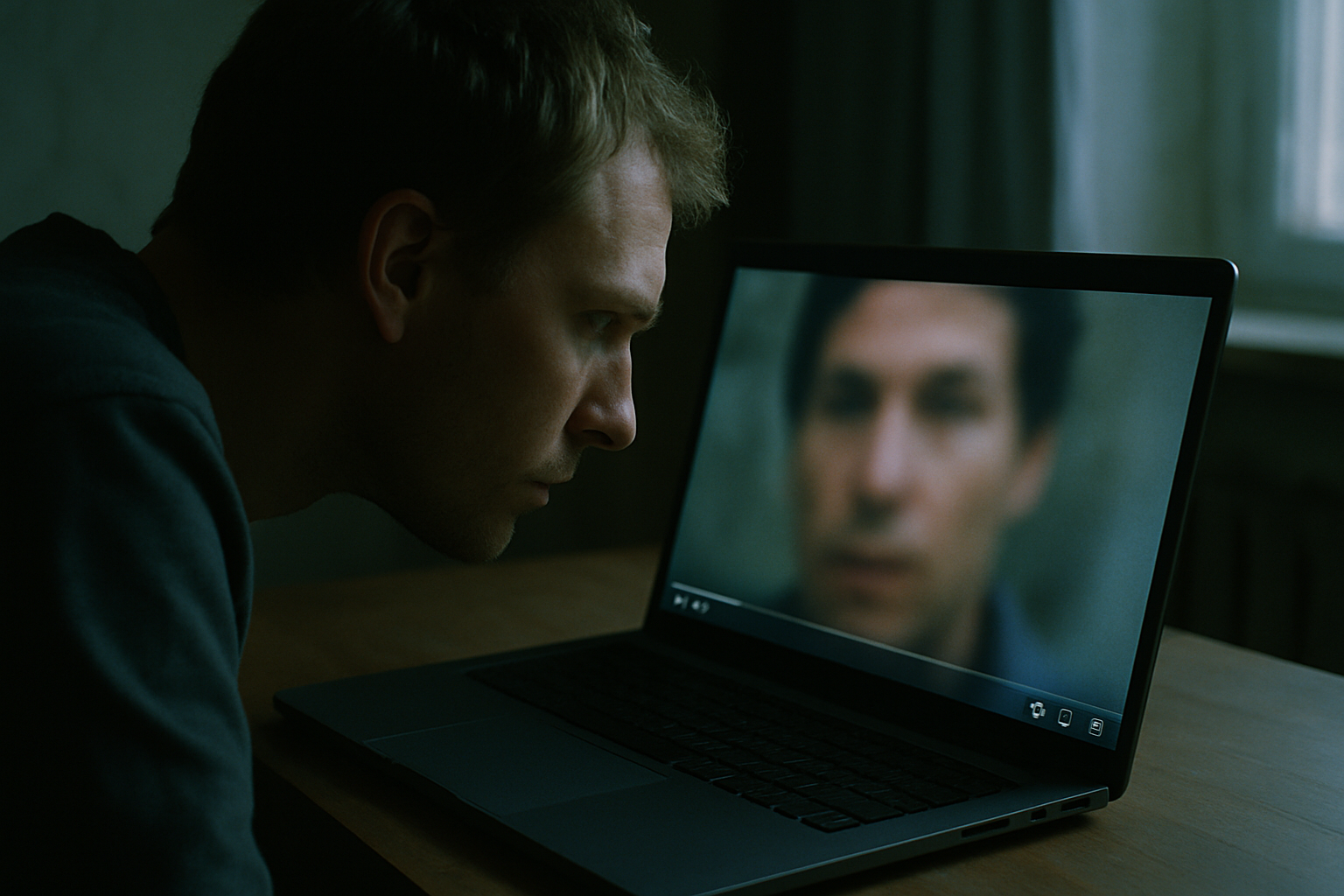
AI video generation has moved fast. Tools that would have required expensive hardware and specialist knowledge two years ago are now available as free web apps. A convincing fake clip — a person saying something they never said, an event that never happened — can be produced with a text prompt and a free account in under ten minutes. Knowing how to spot AI generated video is no longer a niche skill for journalists. It is a basic piece of media literacy anyone can pick up.
Why This Matters More Than It Did a Year Ago
The quality gap between AI-generated footage and real footage has narrowed sharply. Early AI video was easy to dismiss — faces melted, backgrounds pulsed, motion looked like it was happening underwater. That is no longer the case. Several free tools now produce clips that pass a casual glance without triggering any obvious alarm.
The barrier to entry has also collapsed. You do not need a studio, a budget, or technical skill. The result is that fakes are being produced at a volume and speed that fact-checkers cannot match one by one.
The goal here is not to make you suspicious of everything you watch. It is to give you a quick, repeatable habit you can run in under two minutes on any clip that feels off — before you share it.
Start With the Source, Not the Footage
Before you examine a single pixel, ask where the video first appeared. An anonymous account with no history, a site you have never heard of, a post with no named author — these are not proof of a fake, but they are reasons to look harder.
Check when the account posting the video was created. An account registered a week ago sharing footage of a breaking news event is a warning sign. Platforms display account creation dates on most profiles.
Take a still frame from the video — a screenshot — and run it through Google Images or TinEye. If the same clip appeared earlier in a completely different context, someone has repackaged it. If a mainstream outlet covered the same event, compare their footage with what you are looking at. Significant differences in what is visible in the background, the lighting, or the crowd are worth noting.
What to Watch on the Face and Skin
Current AI video models struggle most at the edges of things. The hairline is a good place to start — look for a soft or flickering border where hair meets background. Ears are frequently wrong in shape or position. The boundary between the subject’s face and whatever is behind them sometimes shimmers or drifts between frames.
Skin in AI-generated footage tends to look as though a permanent softening filter has been applied. No pores, no fine lines, no variation in texture — even in close-up. Real skin, even on camera, shows some irregularity.
Watch the eyes. AI models often get blink rate wrong — too slow, too fast, or mechanical in a way that is hard to name but easy to feel. Teeth and the inside of the mouth remain notoriously difficult to render. Look for smearing at the lips, extra or fused teeth, or edges that shift position between one frame and the next.
Watch the Mouth and Listen to the Voice
Lip sync errors are one of the most reliable tells. The mouth shape does not quite match the vowel sound being produced — the mouth might be forming an “O” while the audio plays an “E”. This is easiest to catch on long vowels and on words ending in consonants.
Listen for breath. Real speech contains small pauses, inhales, and micro-hesitations. AI-generated speech often strips these out or places them in positions no real speaker would use, making the voice sound slightly robotic even when the tone itself sounds natural.
A mismatch between audio quality and video quality is also worth noting. If the voice sounds studio-clean while the background has ambient noise, the audio was almost certainly generated or dubbed separately from the footage.
Look at What the Background Is Doing
AI models frequently produce backgrounds that warp or drift, particularly around the edges of moving objects. A crowd behind a speaker might pulse slightly. A wall might breathe. Watch the scene behind the subject, not just the subject.
Text is one of the most reliable checks available. Signs, labels, screens, and any written words in the background of AI-generated footage are almost always garbled or unreadable. Real footage contains legible text. If you cannot read a sign that should be readable, that is a significant flag.
Watch hands near objects. When an AI-generated person picks something up or touches a surface, the point of contact frequently distorts. Lighting is another tell — the light falling on the subject’s face sometimes does not match the apparent light source visible in the scene behind them.
Free Tools That Can Help
Hive Moderation and Illuminarty both offer free AI-detection checks you can run on a still frame extracted from a video. Neither is perfect, but both give you a probability score you can treat as one data point.
InVID and WeVerify are browser extensions built for journalists. They let you break a video into individual frames and reverse-search each one — useful for finding where footage originally came from.
No detection tool is definitive. Treat a positive result as a reason to look harder, not as proof. If two tools disagree with each other, that disagreement is itself worth noting before you share the clip. The uncertainty is information.
The Bigger Picture: Why Fakes Work Even When Spotted
There is a well-documented pattern in how people process misleading media: the emotional impression of a video tends to linger even after someone has been told the video was fake. The feeling of having seen something — a crowd, a statement, an event — does not simply disappear when a correction arrives.
This is why the check matters before you share, not after. Once a clip has circulated widely, the correction almost never reaches the same number of people.
There is also a secondary effect worth understanding. Fabricated footage does not always need to be believed outright. It can work by making people uncertain enough about real footage to dismiss it too. If you cannot tell what is real, you may stop trusting anything — which is a useful outcome for anyone who wants to obscure the truth.
Building the habit of pausing and checking is itself a form of resistance to that strategy. It does not require technical skill. It requires about ninety seconds and the questions laid out above.
Frequently asked questions
Can I rely on AI detection tools to tell me if a video is fake?
No, not on their own. Detection tools are useful as one signal among several, but they produce false positives and false negatives regularly. A clip that passes a detection tool may still be fabricated. Use the tools to inform your judgment, not to replace it.
Do these checks work on short clips or just longer videos?
Most of the visual checks — background text, skin texture, lip sync, edge distortion — work on clips of any length. A three-second clip can still show garbled text or a drifting hairline. Source checks matter even more on short clips, because there is less footage to examine and the clip is more likely to have been taken out of context.
What if the video looks completely convincing and passes every check?
Then you note that you cannot confirm it and treat it accordingly — which means not sharing it as verified fact. “I cannot tell” is a legitimate conclusion. The absence of obvious tells does not mean a video is real; it may mean the generation tool is better than the checks available today. When the stakes are high, wait for a named outlet with editorial accountability to verify the footage independently.
Related reading
Scams, fraud, bots and manufactured noise keep spreading because the internet was built with no reliable way to know who anyone actually is. Everyone deserves authenticity and accountability online, and that is the mission we are working on. Subscribe to Goebbelsology to get each new piece directly — no algorithm deciding whether you see it.